
Station messages
Put clear instructions on the station screen.
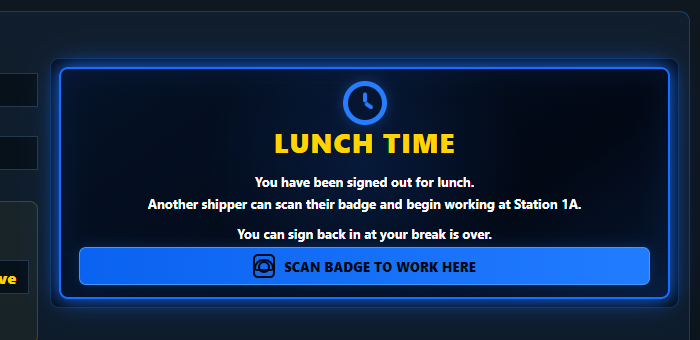
Schedule lunch, break, cleanup, or custom messages. Full-screen prompts tell shippers what to do and when to scan back in.
PakSure features
Real tools for managers, shippers, labels, and station communication—all inside PakSure.
Inside the program
Every image below is an actual PakSure screen and is used only on this page.
Schedule lunch, break, cleanup, or custom messages. Full-screen prompts tell shippers what to do and when to scan back in.
More real screens
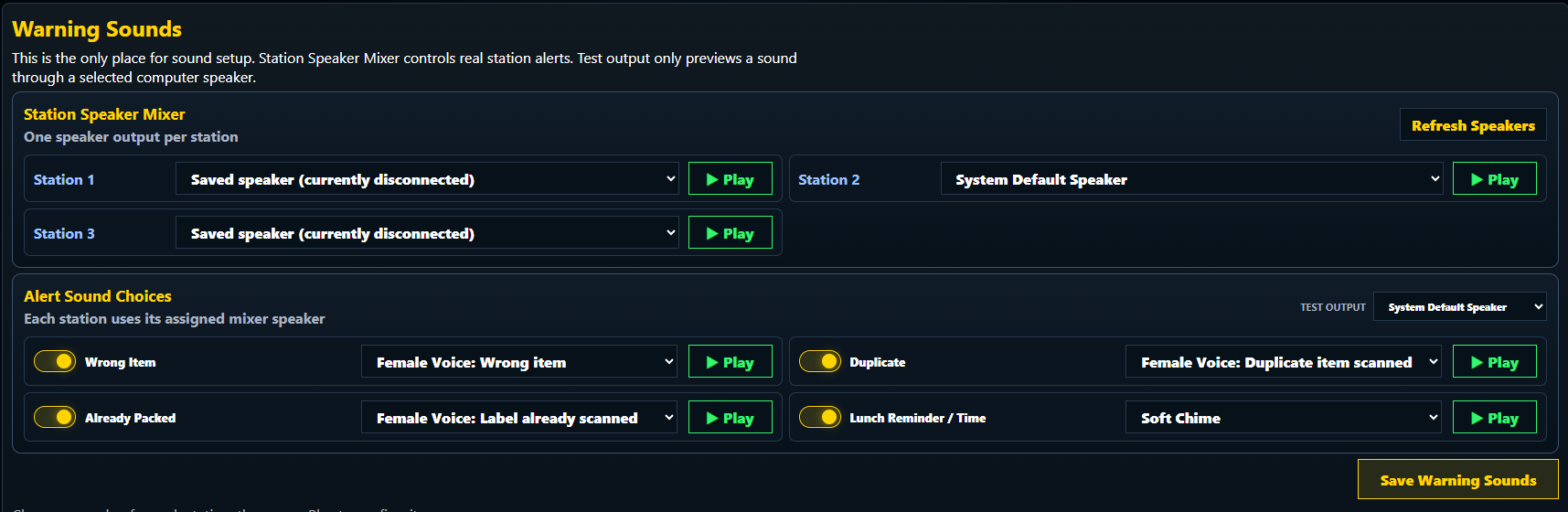
Assign station speakers and preview separate sounds for wrong items, duplicate scans, packed labels, and scheduled reminders.
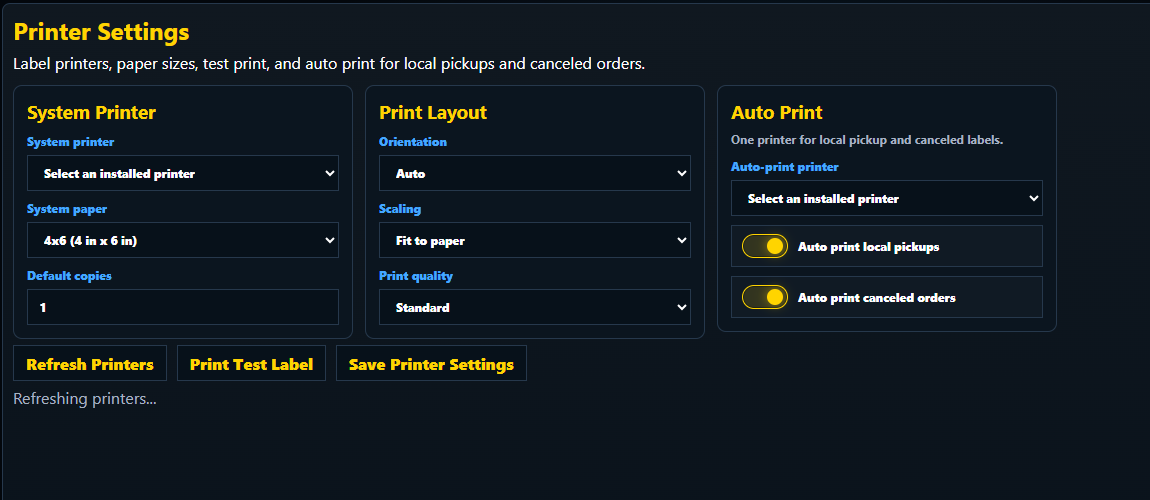
Select the printer, paper size, scaling, quality, and automatic printing for local-pickup and canceled-order labels.
Operations and setup
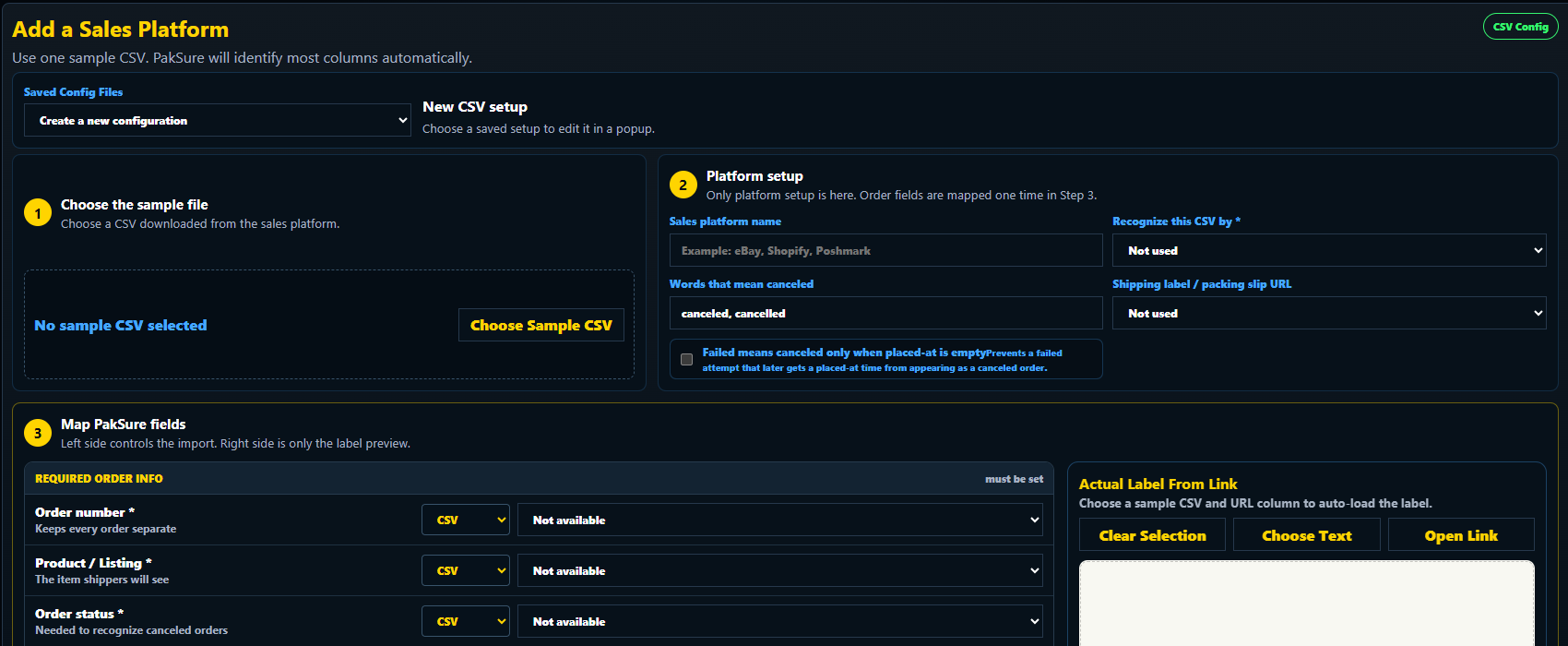
Choose a sample CSV, identify the platform, map its order fields, and optionally load the shipping label from a link column.
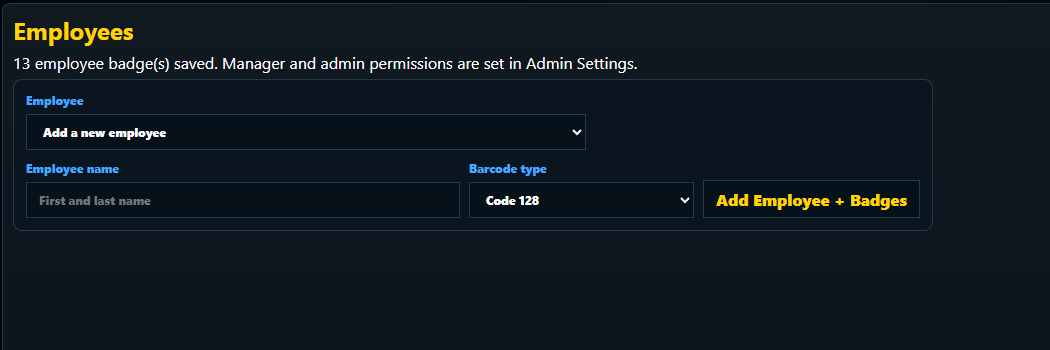
Add an employee, select the barcode type, and create the printable barcode and QR badges used for station sign-in.
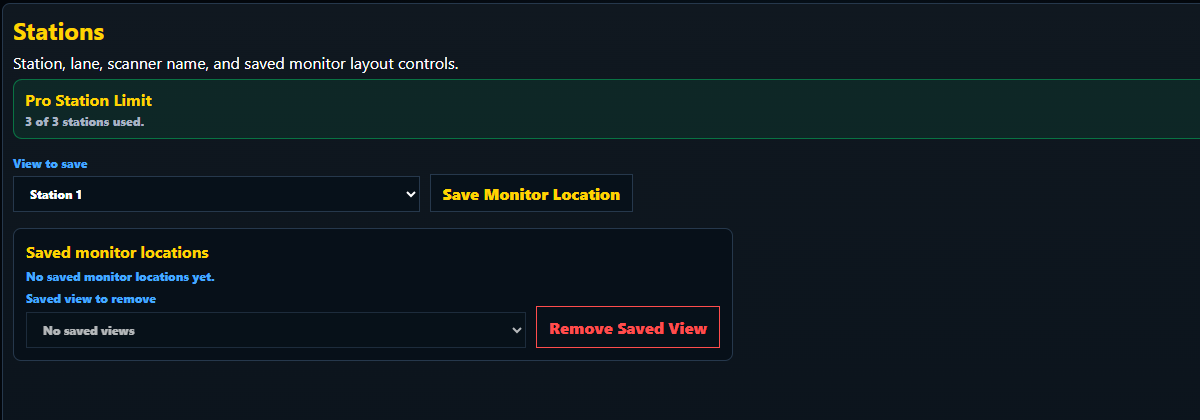
See the available station allowance and save a PakSure view to the monitor where that station will run.
Dashboard control
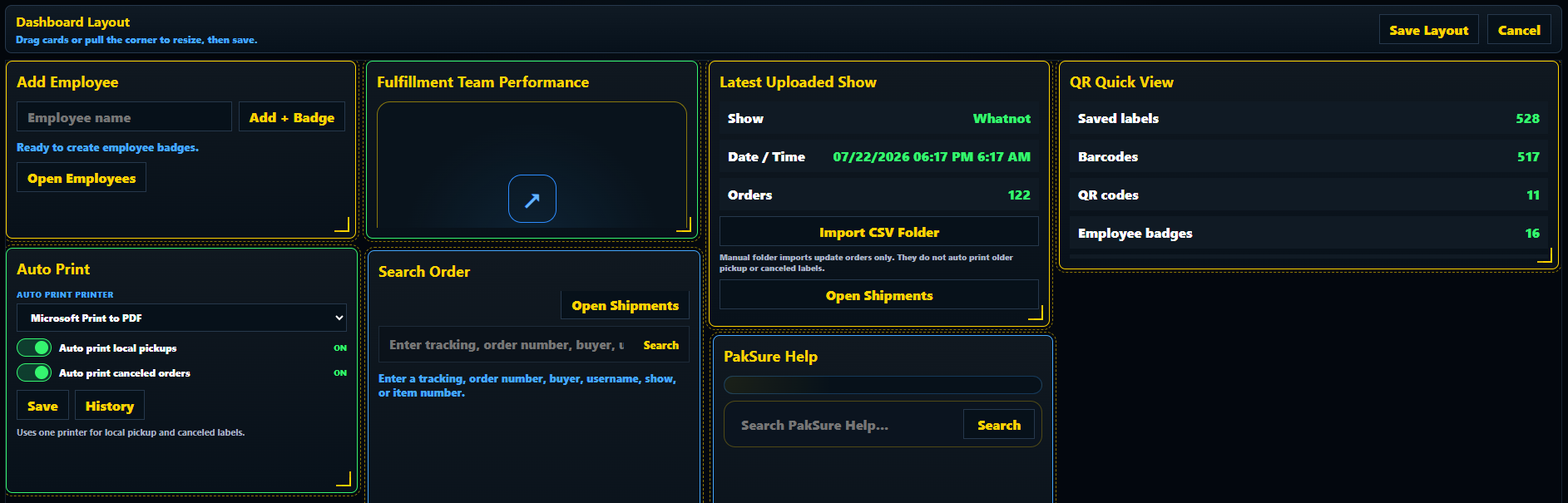
Drag cards into the right order, resize the information that needs more room, and save a layout that keeps daily work easy to reach.
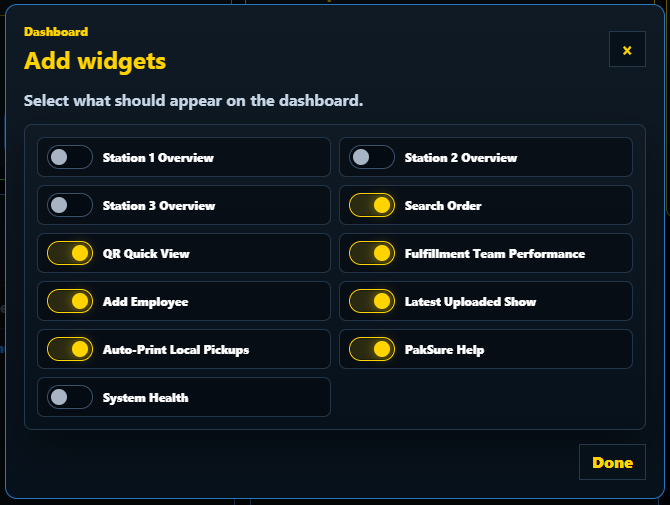
Turn station overviews, order search, team performance, system health, and other dashboard tools on or off from one clear menu.
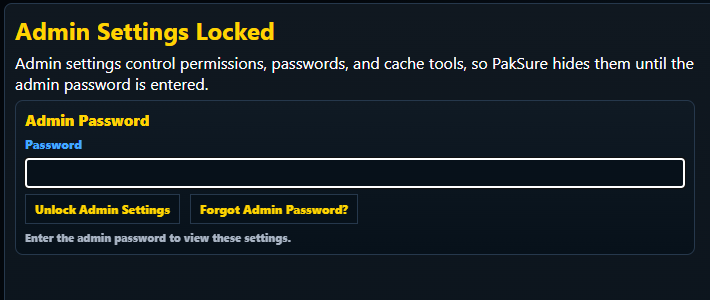
Permissions, password controls, and maintenance tools stay locked until an administrator enters the correct password.
More built in
From the first imported order to the final packing record, PakSure keeps the workflow connected.
Keep every station clear and every scan accountable.
Show the active order, shipper, tracking number, required items, and verification progress in one station view.
Stop wrong items, duplicate scans, and already fulfilled orders before a package leaves the station.
Verify order numbers, item numbers, SKUs, and seller SKUs without changing the packing flow.
Run separate packing sections such as 1A and 1B while keeping each scanner and shipper assignment clear.
Move orders from download to printer with fewer manual steps.
Watch the download folder and import supported marketplace order files into Shipments.
Match columns from another selling platform to the PakSure order fields your workflow needs.
Automatically print local-pickup and canceled-order labels to the selected printer.
Review previous print jobs and reprint one label or an entire batch when needed.
Give managers control without crowding the shipper screen.
Create barcode or QR badges and control which screens and actions each employee can use.
Add, remove, move, and resize the widgets that matter most to your operation.
Display lunch, cleanup, break, and custom instructions directly on the station screen.
Choose clear audio alerts so a shipper notices wrong, duplicate, or blocked scans immediately.
Keep the evidence needed to answer packing questions later.
Find orders by buyer, tracking, show, item number, shipper, station, or fulfillment result.
Keep the verified, missing, wrong, and duplicate scan outcome with the fulfilled order.
Connect recorded packing footage to the station and fulfillment time when video is enabled.
Share fulfillment status across linked locations while keeping station scans fast.
Questions?